Background:
Over the past decade my visual art practice has evolved with the use of digital tools and a desire to explore the relationship of creating art with a computer. Introducing a plotter to my workflow began as an experiment in giving my digital pieces a more tangible presence through traditional drawing methods, but it ultimately transformed the way I make art. I’ve recently added the Uuna Tek 3.0 A1 to my studio which has pushed that shift even further, expanding my edition capacity and opening new creative possibilities through its larger format.
My primary tool for making visual art is TouchDesigner, an incredibly flexible real-time, node based visual programming language I’ve used in everything from interactive installations to music videos. Within TouchDesigner I build systems to create complex geometric structures, compositions that feel almost sculpted from hundreds to thousands of simple lines and shapes.
Early Plotter Experience:
I’ve wanted a way to present my art more tangibly, but typical printing always felt flat. The idea of using traditional media and creating pieces that were unique in subtle ways intrigued me. Ink flow, pressure, paper texture, all those small analog variations give the geometry new depth. As my work was already line-based, investing in a pen plotter felt like a natural extension of my process.
Around six months ago I chose the iDraw H A3, and since it arrived, plotting has become my full-time creative focus. The machine and process have been ideal for translating my geometric line work into physical drawings. It sits somewhere between printmaking and drawing, so I’ve mainly used it to produce small editions, anywhere from four to fifty pieces depending on scale and complexity.
But I quickly hit the limitations of working at A3. Even complex plots finish in about an hour, which means constantly returning to the studio to change paper. For larger runs, I have to stay nearby, supervising and swapping sheets. Because my studio time is limited, this workflow wasn’t ideal. As the plotter reshaped my practice, upgrading became the obvious next step.
Moving to the 3.0:
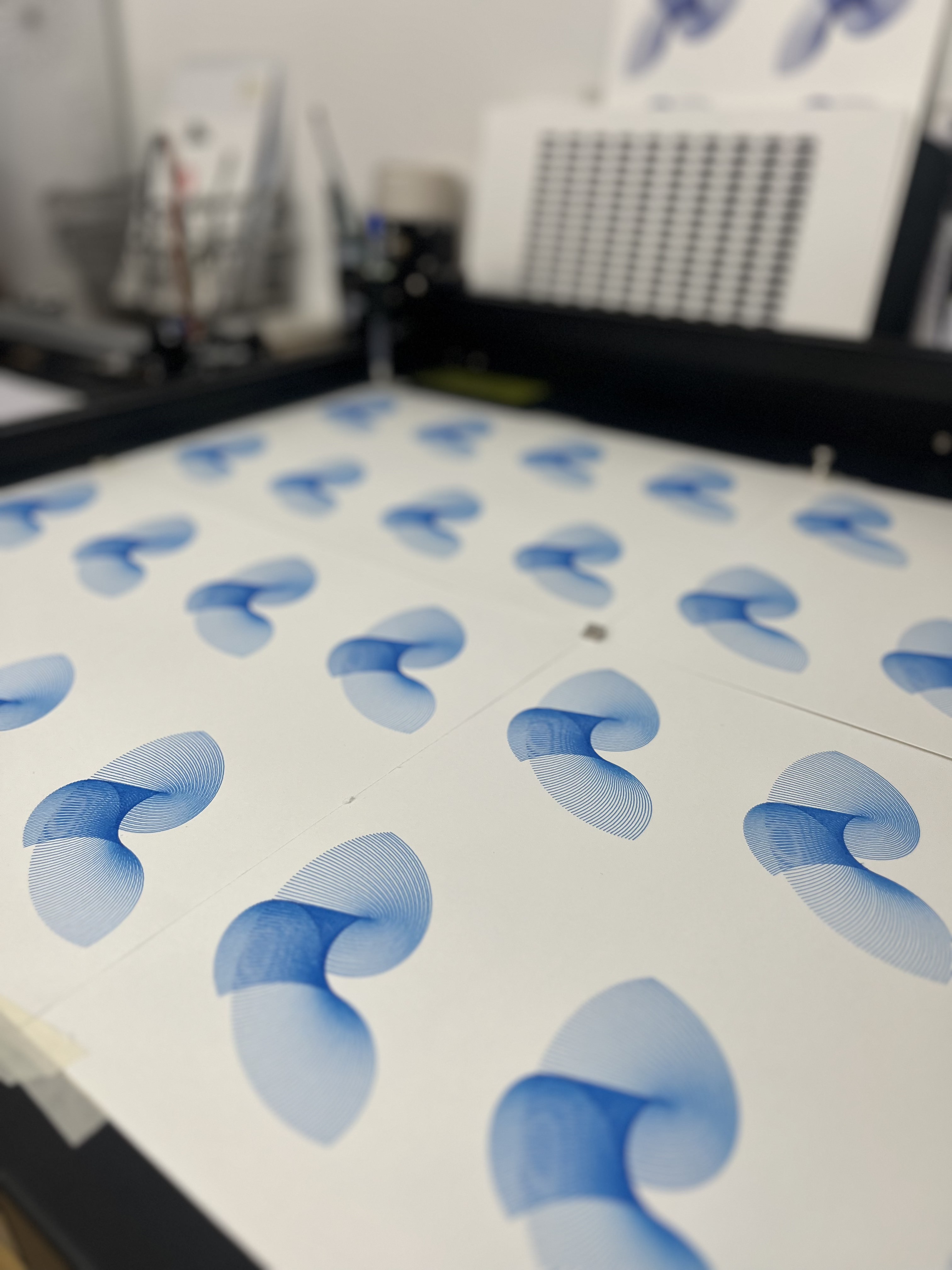
That opportunity came when I was able to test the Uuna Tek 3.0. I opted for the A1 model which was the largest I could realistically fit into my studio. Simply put, it’s a game changer for producing larger edition runs. I can set up a batch and confidently step away, knowing it will turn out four times what I could manage on the A3 with roughly the same amount of prep. Meaning that, depending on the size of plot I’m producing (currently A3 to A6), that’s going from 1-8 to 4-32 plots in a single run.
Since my studio hours are mostly evenings and weekends, the increased capacity even makes it worthwhile to stop by in the morning just to start a long plot before heading out for the day. It effectively adds production time I didn’t previously have. While I had only been working in prints up to A3, the A1 opens the possibility of creating work at a much larger scale.
Ordering and delivery:
The larger Uuna Tek plotters are made to order, so expect roughly an eight-week lead time. Mine arrived in 63 days, and while I didn’t receive a tracking number, Uuna Tek kept me updated at each stage of its journey, advising me on how long each step would typically take. They called me a few days in advance to notify me of delivery, and the driver called right before arrival. I’ve found their communication quite clear and they've always been quick to answer any questions.
The plotter came in a large wooden crate and is very heavy, so it’s not something you can carry on your own. My studio is ground-level, and the driver brought it in with a pallet jack. The plotter was well packed with foam, zip-tied moving parts, and the base screwed directly into the crate. You’ll need plenty of space to unpack and set it up, and a power drill to remove it from the crate.
Software Impressions:
Getting started with the standalone software isn’t the most intuitive process, but it’s not difficult once you’ve gone through it. I later found that Uuna Tek has several YouTube tutorials, so watching those first would have saved some time. The software itself is lightweight and handles complex files without issue, and I really like the live progress display that shows percentage complete and estimated time remaining. You can pause or stop a plot directly in the interface, and it’s clear the program is built specifically around how these machines operate.
Where it falls short is as a complete workflow tool. It’s functional enough for sending a prepared SVG to the plotter, but it can’t replace the way I structure and refine files in Inkscape or vpype (the “Swiss Army knife” for creating, modifying and optimizing plotter-ready vector graphics). There are no layers, margins, or simple layout tools like centring, and it doesn’t offer the cleanup or optimization features I depend on when preparing complex line work.
They do offer a plugin for Inkscape which works well, so you don’t need to completely change your workflow to accommodate this plotter. The 3.0 also has an SD card reader which should allow the plotter to run without being connected to a computer at all, though I haven't had the opportunity to test this yet.
In practice, the Uuna Tek software is mainly for the final plotting stage rather than the creative or pre-production process. I do hope it continues to evolve, as it only needs a few more features to become a reliable dedicated plotting tool, which would be welcome in my pipeline.
Hardware Impressions:
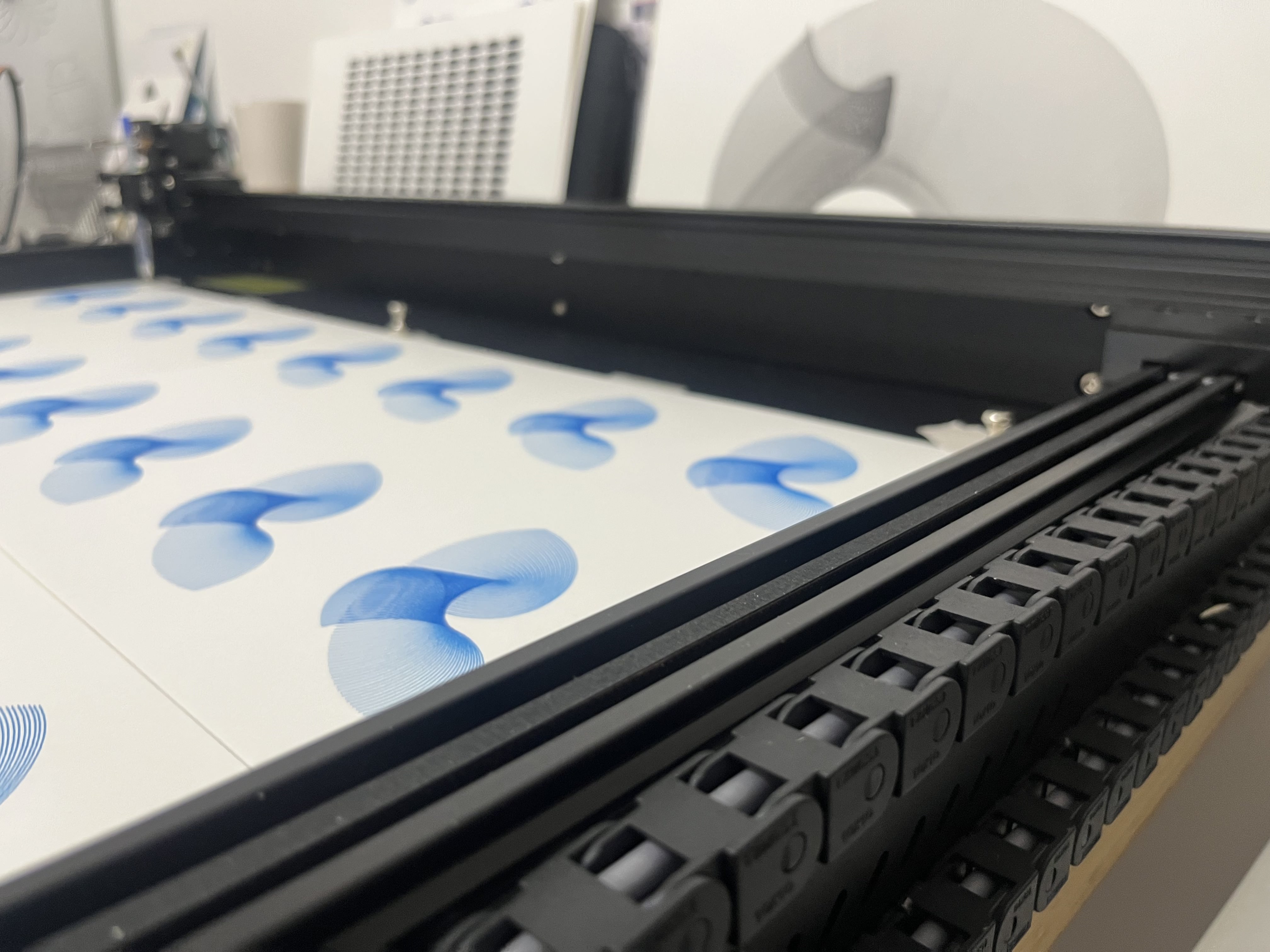
Where the software leaves room for improvement, the plotter itself is excellent. The jump from the 2.0 to the 3.0 is substantial. The 2.0 was fully capable, but it still had the feel of a refined hobby machine. The 3.0, by contrast, looks and behaves like a professional tool: solid all-black metal construction, an upgraded pen-holder assembly, and much cleaner cable management.
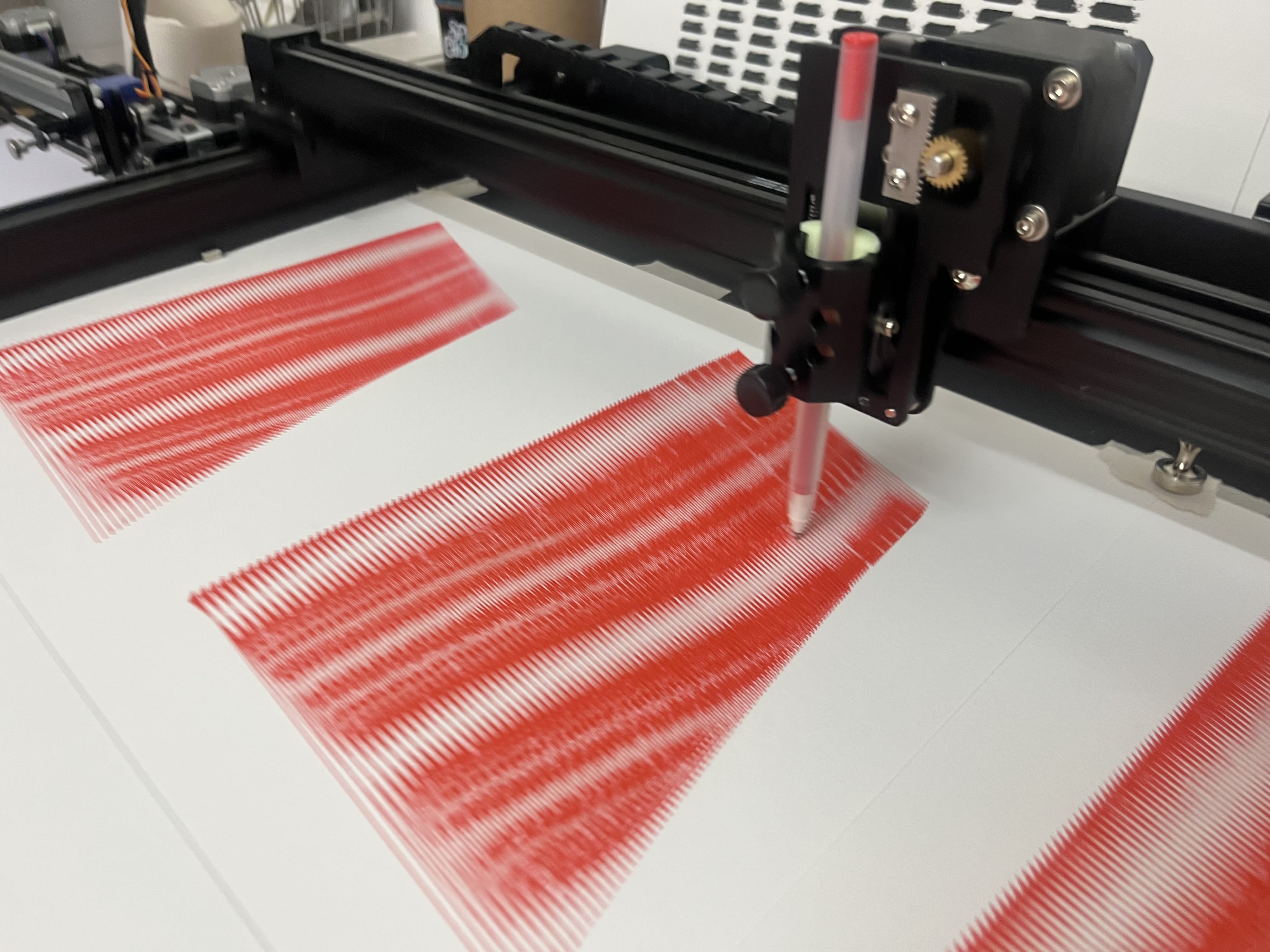
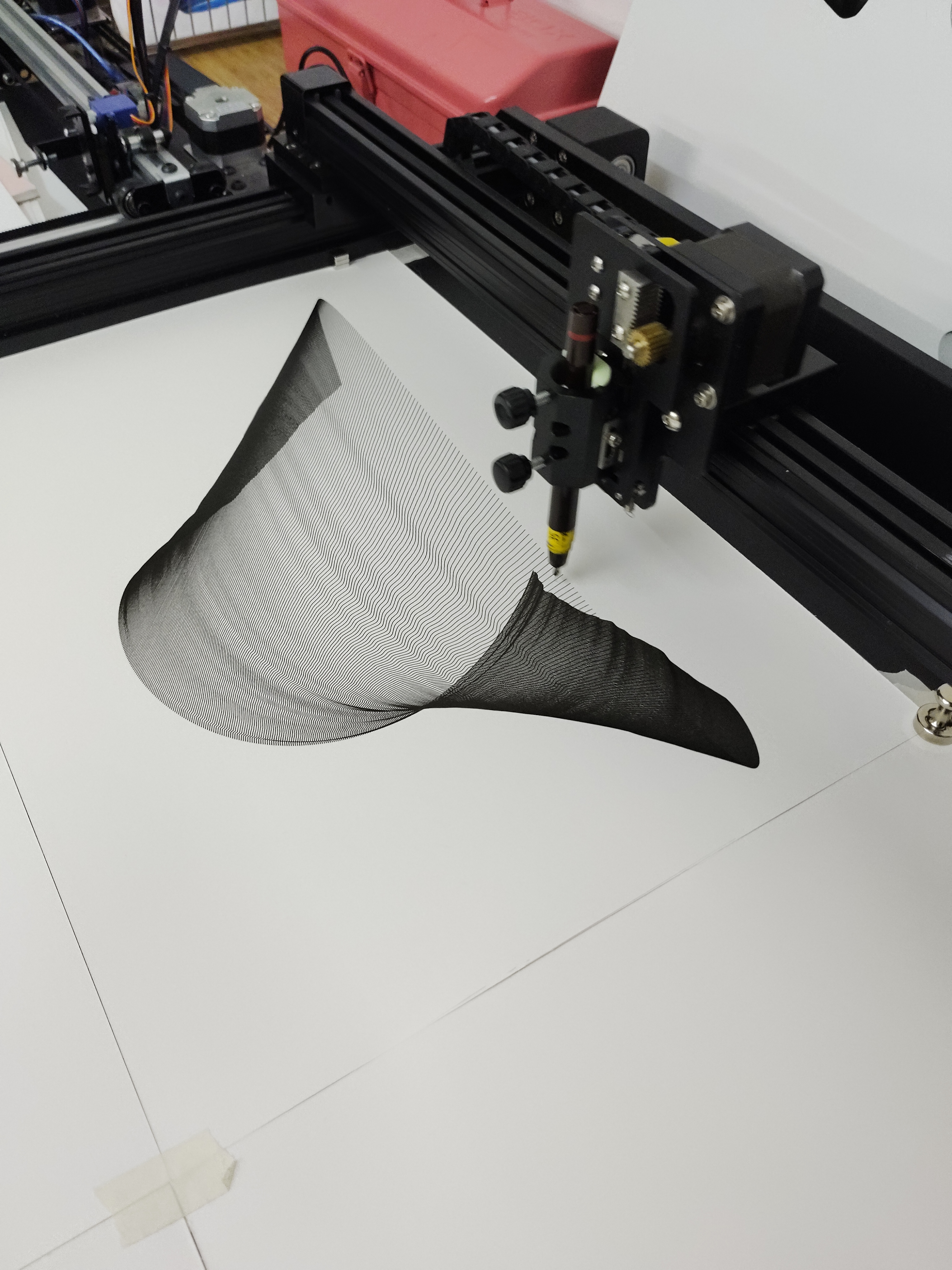
The new pen holder in particular feels almost overbuilt, sturdy and easy to fine-tune. Adjusting the spring tension is simple, which makes it easy to dial in the pressure needed for different pens and papers. Performance has also taken a clear step forward. My tests have shown excellent speed and accuracy, and the machine handles complex plots at high speeds without issue.
Noise levels are another welcome improvement. During detailed work at slower speeds, the 3.0 is nearly silent, and it only becomes louder when moving quickly across long distances. I never found the 2.0 especially noisy, but this version is clearly quieter.
Reflections:
Upgrading to the Uuna Tek 3.0 A1 is quickly reshaping and expanding my creative practice. What began as an experiment in bridging digital and physical art has become central to how I produce and explore new work. Moving from an A3 plotter to A1 has removed the bottlenecks that limited my output, giving me the freedom to step back from constant supervision and focus instead on developing ideas, experimenting with materials, and handling studio admin.
The 3.0 feels built for serious, sustained use, it’s quiet, precise, and thoughtfully engineered. While the software has room to grow, the hardware more than delivers, and the experience from unboxing to plotting has been positive and straightforward. Most importantly, the upgrade opens creative possibilities that simply weren’t accessible before. The larger scale means I can work more efficiently and more ambitiously. I’m only beginning to explore what’s possible with this machine, but it’s clear it will play a defining role in the next phase of my work.